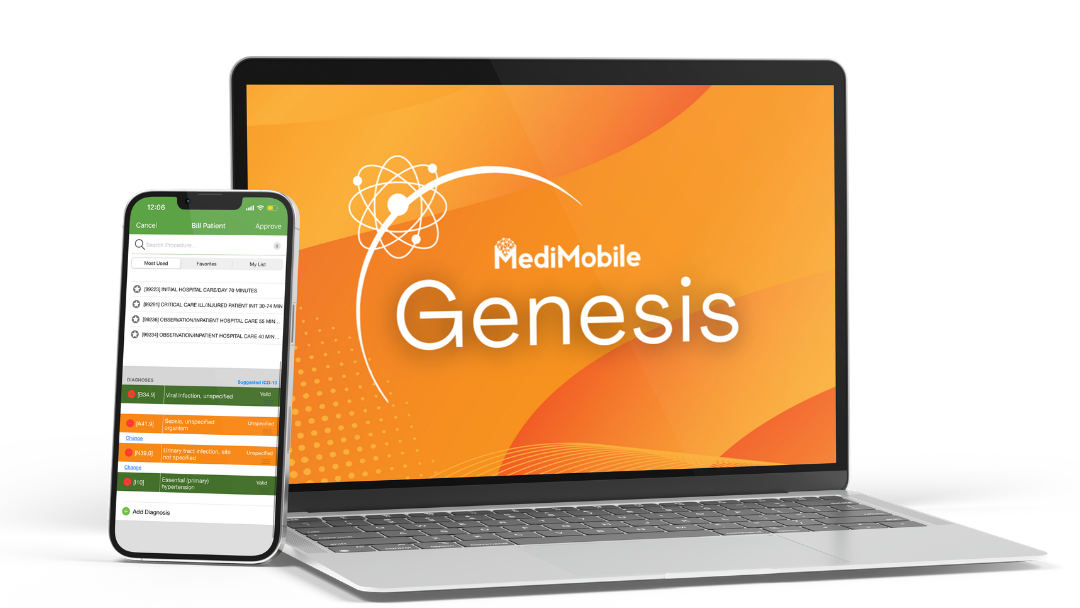



Meet Genesis by MediMobile. Our AI-powered medical coding software analyzes clinical documentation to recommend CPT and ICD-10 codes, automate charge creation, and help providers, medical coders, and revenue cycle teams reduce manual work.
You document patient care in your EHR. Genesis helps turn completed clinical notes into coded charges, reducing repetitive data entry while keeping provider and coder review available in the workflow.
Create charges from completed clinical documentation based on your configured workflow.
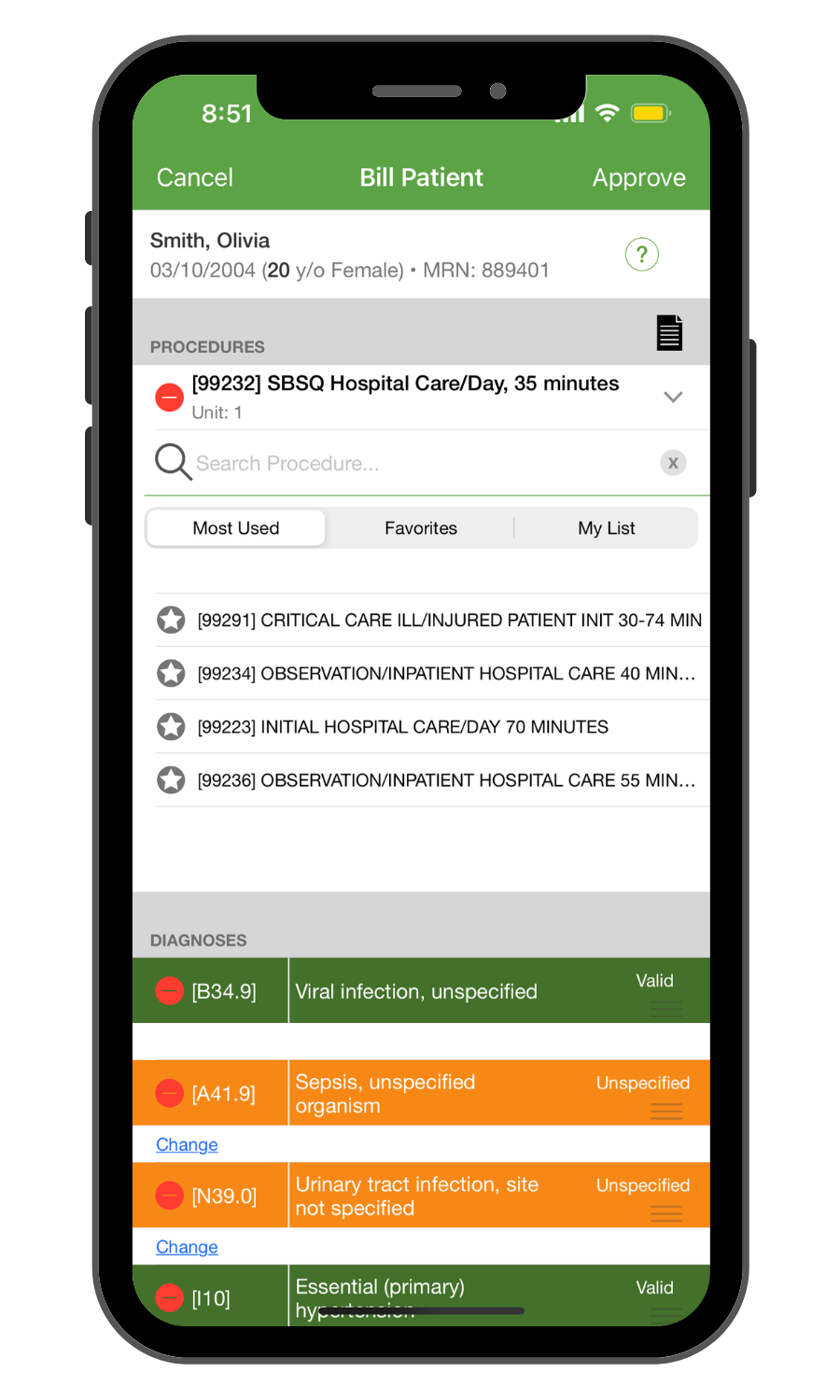
Surface procedure and service code recommendations for clinician or coder review.
Recommend diagnosis codes supported by the information in the clinical record.
Support quality-measure workflows when included in your configuration.
Looking for the full billing review workflow? Explore MediMobile Charge Review for validation, collaboration, and pre-billing oversight.
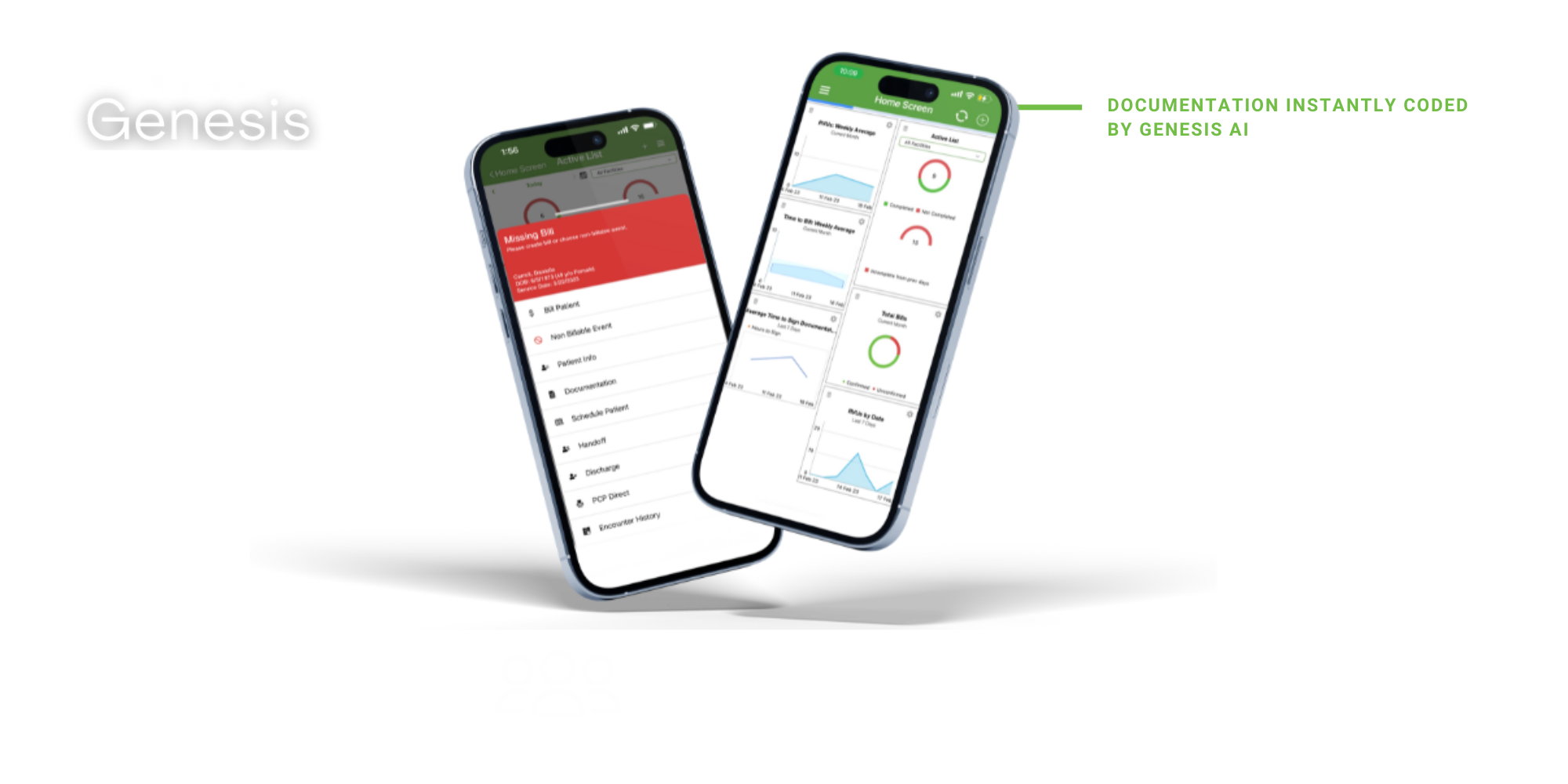
Take a short look at Genesis AI and see how clinical documentation can support code recommendations, charge creation, and a more efficient review workflow.
Prefer to watch on YouTube? Watch the Genesis AI product demo.
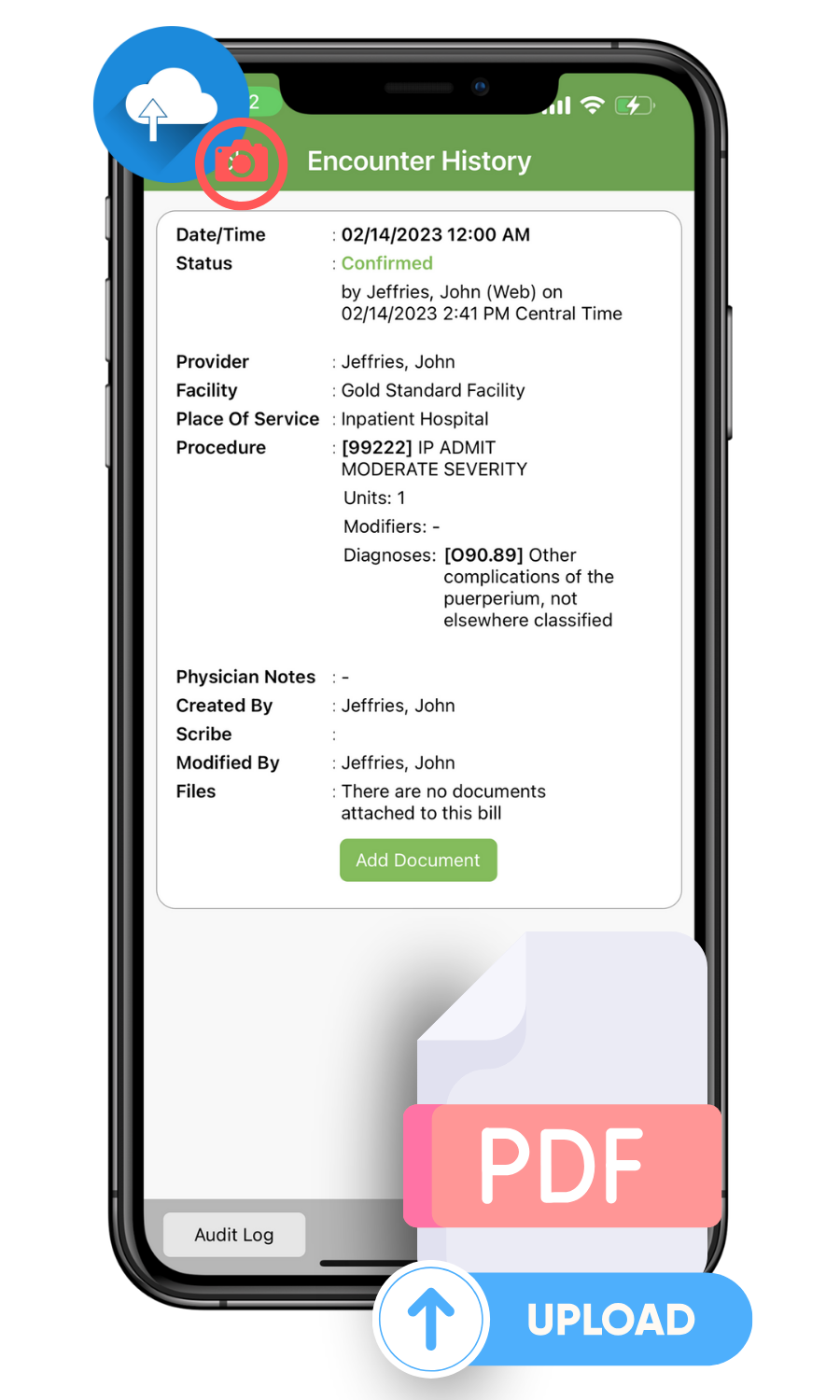
Send supported discharge summaries, consultation notes, PDFs, and images into the Genesis workflow. Genesis can analyze available documentation to help create encounters and coding recommendations, subject to your integration and review requirements.
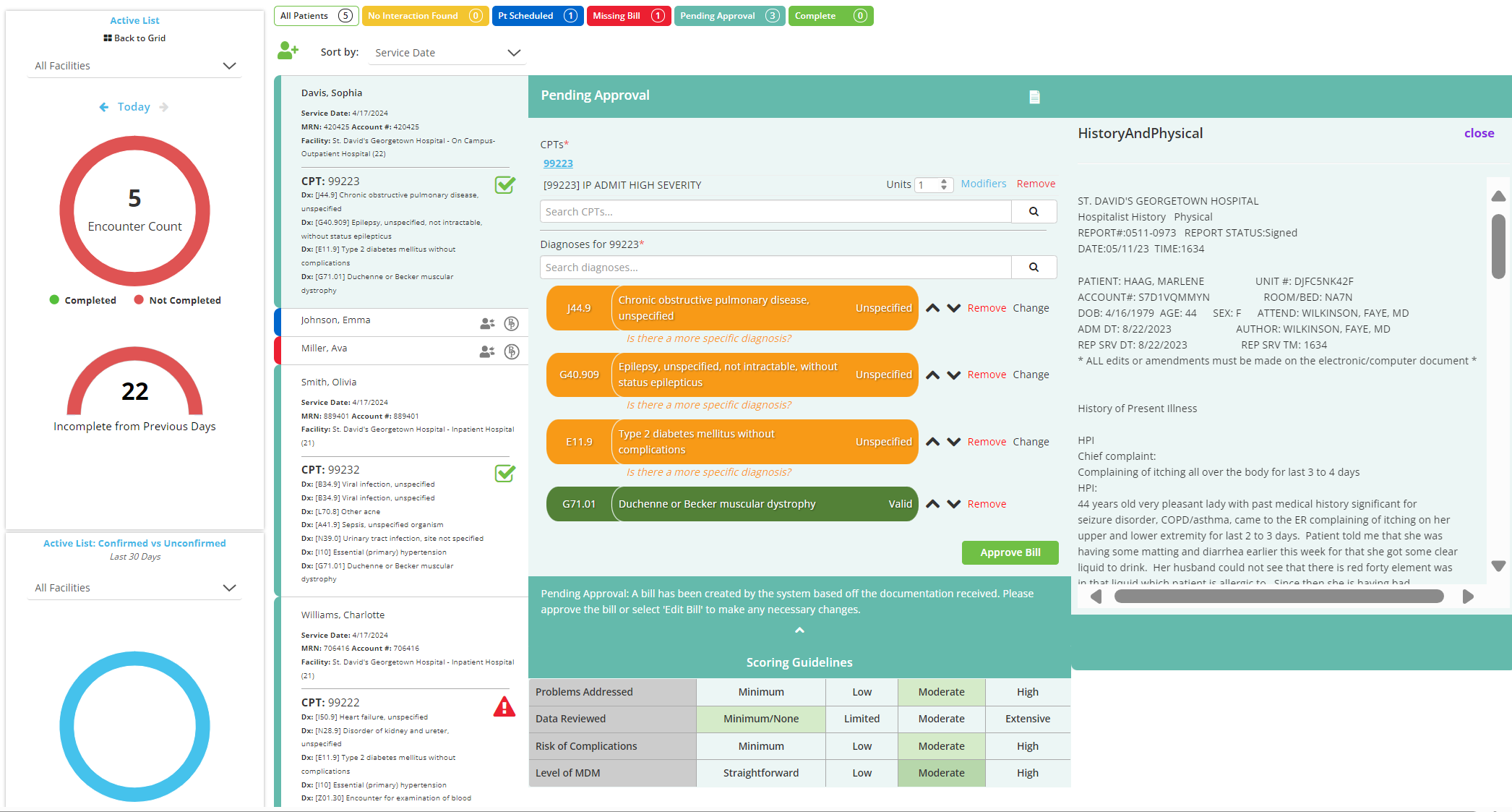
Genesis gives authorized teams visibility into AI-assisted coding, encounter status, and the charges moving through review. Providers and coders can check recommendations and take the next step using their configured workflow.
Explore how Charge Review supports the next step, from coding checks to billing-team collaboration.
Enter your encounter volume and assumptions to estimate the gross value of charges potentially affected by missed billing and initial denials. Use the result as a starting point for evaluating your charge capture workflow.
Illustrative estimate only. Assumes missed charges and initially denied charges are separate populations. Denials are not necessarily permanent losses, and this is not a forecast of recovery, ROI, or Genesis performance. Actual results depend on payer, workflow, and collection outcomes.
Genesis is designed for physician groups, health systems, and specialty practices that want a more consistent path from clinical documentation to coded charges.
Hospitalists, emergency medicine teams, cardiologists, radiologists, and other specialists can benefit from less repetitive coding work. Revenue cycle teams gain a clearer review process and better visibility into charge status. Specialty support depends on your documentation and configuration.
Genesis helps reduce the manual steps between a completed encounter and a billable charge. Here's how a configured AI-assisted workflow differs from common manual processes.
| Workflow step | Genesis AI | Typical manual workflow |
|---|---|---|
| Code recommendations | AI-assisted CPT and ICD-10 recommendations from supported notes | Staff read documentation and select codes manually |
| Charge creation | Automated from completed documentation when configured | Separate charge entry is often required |
| Diagnosis alignment | Tools assist review of diagnoses and services | Staff manually confirm relationships and code details |
| Coding review | Provider and coder review options with visibility into the workflow | Review often depends on separate queues or handoffs |
| PDF and image intake | Supported documents can be analyzed in the configured workflow | Information may need to be read or entered manually |
| Audit and traceability | Charge review and audit history can support oversight | Audit capabilities vary by system and process |
Comparison describes common workflows, not every competing product. Capabilities depend on selected integrations and configuration.
Genesis uses configured clinical data sources to support code recommendations and charge creation. Your team can review and refine recommendations as part of the workflow.
Your team identifies the EHR feeds, documents, and templates Genesis should analyze.
Clinicians continue charting in their usual EHR workflow. Genesis processes supported completed documentation.
Genesis recommends codes and creates configured charges for provider or coder review before downstream billing.
By automating repetitive coding and charge creation tasks, Genesis can help teams manage coding capacity, work through encounters more consistently, and identify charges that need attention.
Performance figures reflect selected MediMobile use cases or reported deployment outcomes and are not guaranteed. Your results depend on chart volume, staffing, integrations, and existing processes; request supporting details during a demo.

Genesis can connect with supported EHR and billing systems through HL7 ADT and MDM feeds, APIs, secure file transfer, and other intake options. Our integrations team helps plan the data flow and review process. Standard implementations may go live in approximately 2–3 weeks; timing varies by interface and customer requirements.
See how the MediMobile Data Hub connects information across systems, and explore our data security approach.
See how Genesis can fit your EHR, specialty, coding volume, and charge review process. Choose a time below to talk with the MediMobile team.
Answers to common questions from physicians, medical coding teams, and revenue cycle leaders evaluating Genesis AI.
AI medical coding software analyzes clinical information to assist with selecting codes for documented services and diagnoses. Genesis by MediMobile uses clinical documentation to recommend CPT and ICD-10 codes and support automated medical charge creation in configured workflows.
Genesis can create and code charges after the relevant chart documentation is completed, depending on your organization's integration, templates, and configured process. Provider or coder review can remain part of the workflow.
Yes. Genesis analyzes available clinical documentation to provide recommendations for CPT procedure or service codes and ICD-10 diagnosis codes. Codes should be reviewed according to the organization's quality and compliance process.
Genesis supports several integration options, including HL7 ADT and MDM feeds, APIs, SFTP, and supported document intake. Available connections, interface requirements, and timelines are confirmed during implementation planning. Learn more about the MediMobile Data Hub.
Yes. Depending on configuration, providers and coding teams can review and update recommended charges in the Genesis and Charge Review workflows. The goal is to reduce manual effort without eliminating needed oversight.
Genesis supports several document intake methods, including selected PDFs, medical images, and clinical documents. The exact workflow depends on the document type, data quality, and intake configuration.
Some standard deployments can be completed in roughly 2 to 3 weeks when required data feeds and configurations are available. Timelines vary with EHR access, interfaces, testing, and organizational approval.
Genesis can be configured for different physician groups and specialties, including hospital medicine, emergency medicine, cardiology, radiology, and others. The MediMobile team evaluates documentation types and coding needs to determine the fit.
By reducing manual charge entry, highlighting coding issues for review, and improving visibility into completed encounters, Genesis can help revenue cycle teams identify gaps and move charges toward billing. Outcomes vary by organization; explore MediMobile Revenue Optimization for the broader workflow.
Visit the MediMobile solution comparison to explore Charge Capture, MediCapture, Active List, and Genesis AI, or book a demo for a recommendation based on your team and specialty.